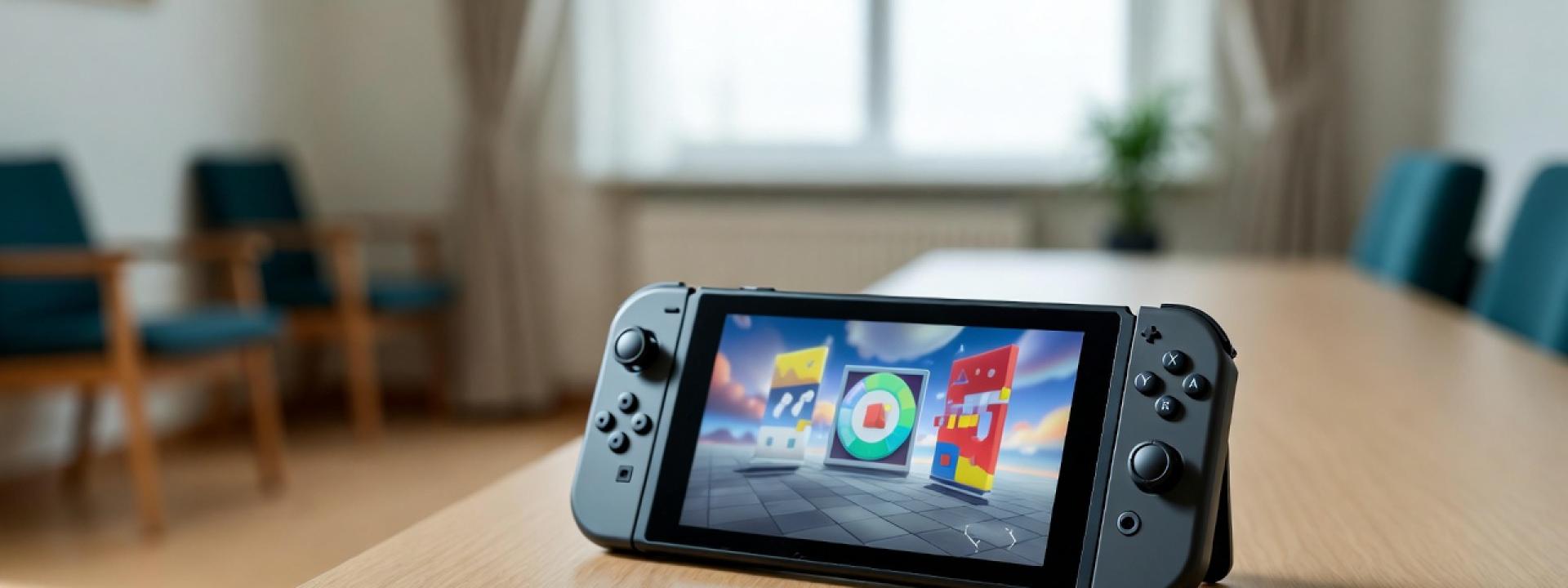
If your facility has ever considered providing gaming consoles in waiting rooms or patient lounges, the Nintendo Switch is probably on your radar. We picked one up for testing because we wanted to evaluate two things: what parental controls are available out of the box, and whether it is possible to manage a Switch through a third-party MDM (Mobile Device Management) solution the way you might manage an iPad or Android tablet. Here is what we found.
Built-In Parental Controls Are Solid
Nintendo offers a free companion app called "Nintendo Switch Parental Controls" for both iOS and Android. Once linked to the console, the app gives you a surprising amount of oversight. You can set daily play-time limits (with different limits for each day of the week), configure a bedtime alarm that suspends gameplay at a set hour, and even force the console to automatically pause the game when the timer runs out. The app also provides monthly play-activity summaries so you can see exactly which games were played and for how long.
Content filtering leverages the ESRB rating system. You can choose preset restriction levels (Child, Pre-Teen, or Teen) or build a custom profile. Communication features can be restricted on a per-game basis, preventing players from exchanging messages or images with strangers online. Social media posting can also be locked down. Purchases in the Nintendo eShop are restricted separately through Nintendo Account settings, so you can prevent unauthorized spending entirely. Everything is protected behind a 4-to-8 digit PIN.
For a consumer device, Nintendo clearly took parental controls seriously. Parents (or in this case, facility administrators) have genuine control over screen time and content ratings.
One Important Limitation: Controls Are System-Wide
It is worth noting that parental controls on the Switch apply to the entire console, not to individual user profiles. Whatever restrictions you set will affect every person who picks up that device. In a waiting room scenario, this is actually a benefit since you want consistent restrictions for all users, but it does mean you cannot create a separate unrestricted profile for staff use on the same console.
No Third-Party MDM or Parental Control Options
Here is where things get interesting for IT departments. From our testing, we were unable to install any third-party parental control software or MDM agents on the Nintendo Switch. The Switch runs a proprietary operating system and does not allow sideloading of applications. Unlike an iPad or Android tablet where you can enroll the device in an MDM platform like Intune and push policies, the Switch is a completely closed ecosystem. The only management options available are the ones Nintendo provides natively.
Some third-party parental control products claim Switch compatibility, but from what we found, these work by controlling the network (cutting off Wi-Fi at the router level, for example) rather than by installing anything on the device itself. That is not the same as true device management. Without serious modification to the console (which would violate the End User License Agreement and void your warranty), you are limited to Nintendo's built-in tools.
For an organization accustomed to centralized device management, this is a significant consideration.
A Word on Licensing for Commercial or Institutional Use
If your facility is thinking about placing Switch consoles in waiting rooms or patient areas, there is an important licensing detail to be aware of. Nintendo's End User License Agreement (https://www.nintendo.com/sg/support/switch/eula/usage_policy.html) states that "You may not use the Software for commercial purpose." This applies to the games, not just the console hardware.
What does this mean in practice? Providing a Switch loaded with games in a hospital waiting room could fall into a gray area under this clause. Organizations like the Starlight Children's Foundation have partnered directly with Nintendo to create officially licensed gaming stations for children's hospitals, which suggests that institutional use outside of a formal arrangement may not be covered under a standard consumer license. If your facility wants to go this route, it would be wise to look into whether a commercial licensing arrangement is needed or whether programs like Starlight's are available for your type of facility. This is a question for Nintendo's business licensing team or a qualified attorney, not something to assume is covered by a retail purchase.
This is actually one area where the iPad or Android tablet approach has an advantage. Enterprise licensing paths for those platforms are well established, and volume purchasing programs make it straightforward to deploy managed devices in a clinical setting.
The Bottom Line
The Nintendo Switch offers a genuinely thoughtful set of parental controls that would serve a waiting room or patient lounge well from a content and screen-time perspective. The inability to deploy third-party MDM solutions is a real limitation for organizations that prefer centralized management, but for a simpler deployment where built-in controls are sufficient, the Switch handles content filtering and time management better than we expected.
The bigger question for health care organizations is the licensing side. Make sure you understand where your intended use falls under Nintendo's terms before purchasing a fleet of consoles for your facility.
It is clear Nintendo took parental controls seriously, leaving parents in total control over things like screen time and taking full advantage of ESRB ratings to keep content age-appropriate. With the much-anticipated Switch 2 on the horizon, we will just have to wait and see if parental controls get even better with the next generation. We will be sure to test and report back when it arrives.
This article is for informational purposes only. Licensing terms referenced are based on publicly available documents and are subject to change. Organizations should consult qualified legal counsel before making purchasing or deployment decisions based on software licensing terms.
- Log in to post comments