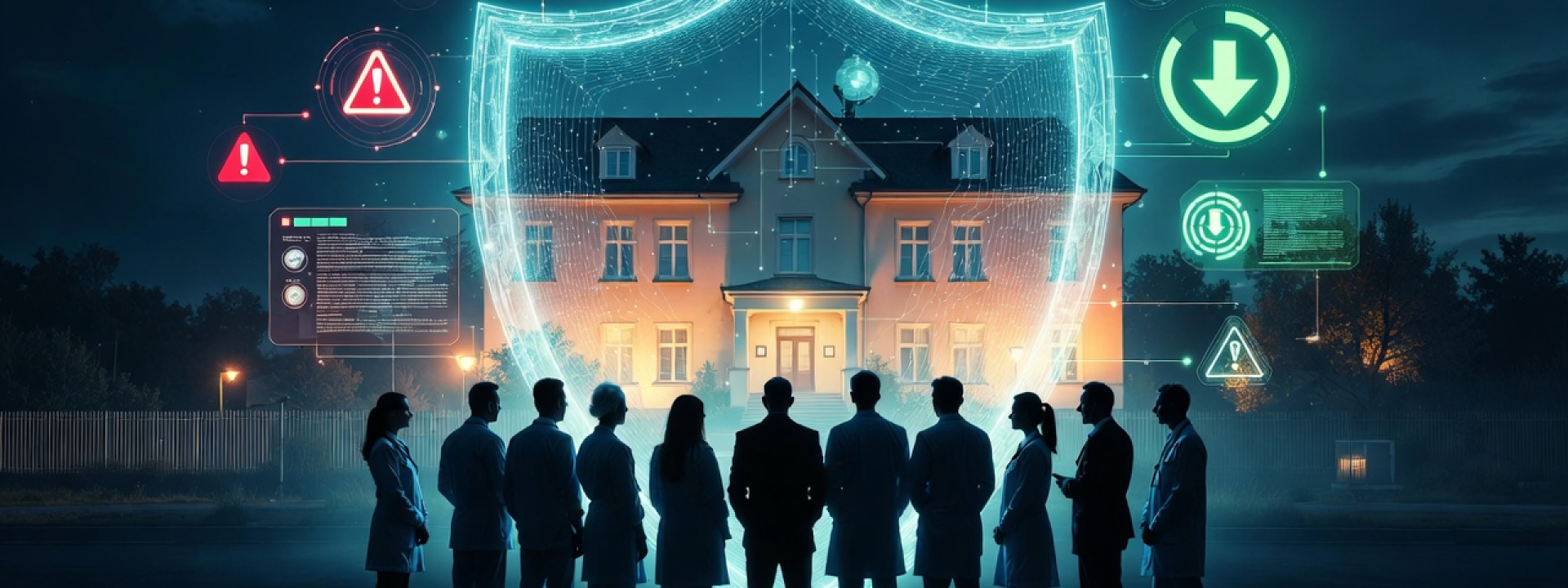
The attackers are getting smarter. Your response matters more than you think.
Here is a question that keeps health care administrators up at night: What happens when the security measures that protected you yesterday stop working today?
This is not a question about technology. It is a question about leadership.
Rural health care organizations face a difficult reality. You have limited IT staff. You have tight budgets. You have employees who get frustrated with security procedures. And you have attackers who know all of this and use it against you.
When your IT team or managed services provider recommends a security change, your response as a leader sets the tone for your entire organization. Push back too hard, and you might be handing attackers exactly what they need to get in.
The Attack That Made MFA Less Effective
For years, the security world told everyone the same thing: Turn on Multi-Factor Authentication. MFA. The extra step when you log in. The code from your phone. The push notification you approve.
And for years, MFA worked. Attackers stole passwords, but the extra step stopped them cold.
Then attackers got creative.
They developed something called an Adversary-in-the-Middle attack (often written as AiTM). The concept is simple once you understand it. Instead of trying to break through MFA, they go around it.
Here is how it works:
- You get a phishing email with a link to what looks like your normal Microsoft login page.
- The page looks real because it IS real. Sort of. The attacker set up a fake site that sits between you and Microsoft. Everything you type gets passed through to the real Microsoft site.
- You enter your password. It goes to Microsoft through the attacker.
- Microsoft asks for your MFA code. You provide it. It goes through the attacker to Microsoft.
- Microsoft says "great, here is your session token" and sends it back. The attacker grabs a copy of that token.
- You go about your day. The attacker now has a valid session token that lets them pretend to be you.
MFA did not fail. You did everything right. The attacker just found a way to steal what MFA creates: an authenticated session.
This is not theory. This is happening right now to health care organizations across the country.
The 90-Day Problem
Here is where leadership decisions become critical.
When you complete MFA from outside your facility (like checking email on your personal phone), Microsoft gives you a session token. Think of it like a wristband at a concert. Once you have it, you can come and go without showing your ticket again.
The question is: How long should that wristband stay valid?
Many organizations have this set to 90 days. Three months. An entire quarter of the year.
If an attacker steals your session token through an AiTM attack, they have 90 days to use it. 90 days of access. 90 days to read emails. 90 days to set up forwarding rules. 90 days to learn about your organization, your vendors, your patients, your finances.
When your IT team recommends changing this to 3 hours, the math changes completely. An attacker would have 3 hours instead of 2,160 hours. That is a 99.9% reduction in their opportunity window.
What the Experts Say
The Center for Internet Security (CIS) publishes the Microsoft 365 Foundations Benchmark. This is the document auditors use to evaluate your security posture. It is not opinion. It is industry consensus on what "secure" looks like.
CIS Benchmark 1.3.2 states: Idle session timeout should be set to 3 hours or less for unmanaged devices.
Three hours. Not 90 days. Not 30 days. Three hours.
This is not an arbitrary number. It reflects the reality that personal devices accessing your organization's email represent an inherent risk that requires what HIPAA calls "reasonable and appropriate" security measures. Three hours balances operational needs with meaningful protection.
"It is Too Much of a Hassle for End Users"
This is the pushback IT teams hear most often when recommending tighter session controls. And it deserves a thoughtful response.
First, let us acknowledge something important: allowing staff to access organizational email on personal devices is itself a risk. It is a calculated decision that most organizations make because the operational benefits outweigh the security concerns. But that decision comes with a responsibility to implement what HIPAA calls "reasonable and appropriate" safeguards.
What counts as "reasonable and appropriate" is not static. It evolves as threats evolve.
Five years ago, a 90-day session timeout might have been considered acceptable. MFA was the cutting-edge protection, and attackers had not yet developed reliable ways around it. The security landscape was different.
Today, AiTM attacks are well-documented and increasingly common. Phishing-as-a-Service platforms rent ready-to-use attack kits to criminals who lack the technical skills to build their own. What was reasonable in 2020 is not reasonable in 2026.
This is the nature of security. It is not a box you check once. It is an ongoing response to an evolving threat landscape.
Now, let us think through what a 3-hour session timeout actually means in practice:
- Email notifications still come through in real time on personal phones. That does not change.
- Push alerts still work. That does not change.
- Email previews still appear. That does not change.
- The MFA prompt only happens when someone actively opens an email, replies, or accesses an attachment.
For staff who mostly glance at notifications, they may not notice a difference at all. For staff who actively use email on personal devices throughout the day, they might see two or three sign-ins during a shift.
And staff at your facility? On your network? If your organization scopes Conditional Access policies by device state or location, staff on managed or trusted networks may see little or no change at all.
Compare that minor inconvenience to the alternative: an attacker with months of access to your email system, reading messages, learning about your operations, setting up forwarding rules, and potentially accessing patient information.
The Leadership Mindset Shift
Here is the uncomfortable truth. When leadership pushes back on security recommendations, they become part of the attack surface.
Not intentionally. Not maliciously. But effectively.
Attackers count on this. They know that security changes face internal resistance. They know that "it will frustrate staff" often wins over "it will protect us." Every organization that keeps 90-day session timeouts is an easier target than one with 3-hour timeouts.
HIPAA requires covered entities to implement security measures that reduce risks to electronic protected health information. 45 CFR 164.312(a)(2)(iii) specifically addresses automatic logoff procedures. The regulation exists because the risk is real.
Your role as a leader is not to make security changes easy. Your role is to champion them.
When IT recommends a change, the question should not be "how do we avoid this?" The question should be "how do we make this work?"
The Real Cost of Resistance
Consider what happens after a successful AiTM attack when you have 90-day session timeouts:
- Forensic investigation to determine what was accessed
- Notification obligations under HIPAA if PHI was exposed
- Civil monetary penalties that are tiered and adjusted annually for inflation, with current annual caps exceeding $2.1 million per violation category depending on culpability tier (45 CFR 160.404)
- Staff time diverted to incident response
- Patient trust damaged
- Reputation in your community affected
Now consider the cost of changing session timeouts to 3 hours:
- Staff authenticate a few times per day on personal devices
The math is not complicated.
What Happens Next
Attackers will continue to evolve. The long-term answer to AiTM attacks is phishing-resistant MFA. Hardware security keys. Passkeys. Technology that cannot be intercepted by a fake page because it is cryptographically tied to the real site.
That is a bigger lift to implement. It takes planning. It takes budget. It takes training.
Shorter session timeouts are the practical first step. They do not prevent the phish, but they limit how long an attacker can use what they stole.
Your IT team is not recommending these changes to make life harder. They are recommending them because the threat landscape has changed. What protected you in 2020 does not protect you in 2026.
A Note on AI-Powered Email Protection
The other piece of this puzzle is stopping these phishing emails before they reach your staff in the first place. Traditional email filters look for known bad patterns. The problem is that AI now helps attackers create unique, personalized phishing emails at scale. No two emails are identical. No pattern to match.
Fighting AI-powered attacks requires AI-powered defense. Solutions like Trustifi Inbound Shield use artificial intelligence to analyze email behavior, writing patterns, and threat indicators that rule-based filters miss. As an Official Trustifi Partner, visuaFUSION can provide this protection at a fraction of what larger competitors charge.
But here is the key point: email filtering and session timeouts work together. Filtering reduces how many phishing emails get through. Session timeouts limit the damage when one inevitably does. Neither replaces the other.
Your Move
The information is in front of you. The industry benchmarks are clear. The threat is real and documented.
Your IT team or managed services provider is asking you to approve a security change. They are not doing this to annoy your staff. They are doing this because they have seen what happens when organizations do not adapt.
You can push back. You can worry about staff frustration. You can keep extended session timeouts because changing them feels inconvenient.
Or you can be the firewall between your organization and the attackers counting on your resistance.
The choice defines what kind of leader you are when it comes to protecting your patients, your staff, and your organization.
Choose wisely.
This article is for informational purposes only and does not constitute legal or compliance advice. Covered entities and business associates should consult qualified legal counsel or compliance professionals before making decisions pertaining to HIPAA or IT infrastructure.
About visuaFUSION Systems Solutions
visuaFUSION Systems Solutions is an Official Microsoft CSP Partner, Official Quest Software Partner, and Official Trustifi Partner specializing in managed IT services for rural health care organizations. Our HealthNet service provides enterprise-level IT expertise through a cost-sharing model that makes comprehensive security accessible to critical access hospitals and rural clinics.
To discuss your organization's security posture or learn more about protecting against modern threats, contact us at info@visuafusion.com or call +1 (308) 708-7490.
Leveling the IT Playing Field for Rural Health Care Organizations
Small facilities carry the same regulatory obligations as large health systems with a fraction of the staff to meet them. Our rural health IT guide covers the programs, resources, and decisions that make that possible.
- Log in to post comments